Keeping your iLearner account secure
Good practice and new security safeguards
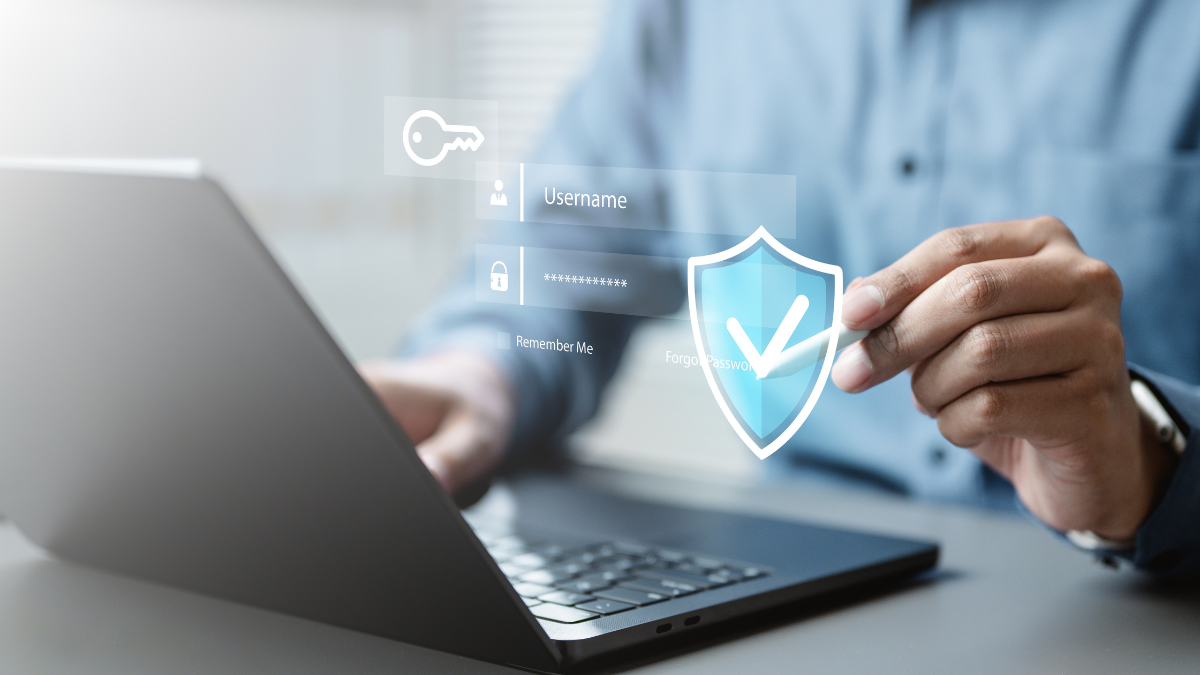
Keeping user accounts and information secure is an important responsibility for everyone using iLearner. Simple steps, such as protecting your login credentials, keeping account details up to date and being alert to suspicious emails, can help reduce the risk of unauthorised access.
As part of our ongoing commitment to security, we have introduced an additional safeguard within iLearner to help protect user accounts.
Keep your login credentials safe
Your iLearner username and password are personal to you and should never be shared with anyone else. Good security practice includes:
- Keep your password private – never share your password with colleagues, learners or anyone else, even if they say they need it to access your account.
- Use secure passwords – avoid using easily guessed information such as names, dates of birth or simple sequences.
- Use a password manager – securely store your passwords and create strong, unique passwords for every account without needing to remember them all.
- Be alert to phishing emails – don’t click links or open attachments in unexpected or suspicious emails. If you’re unsure whether an email is genuine, take care before entering your login details.
- Keep your email address up to date – make sure the email address associated with your iLearner user profile is correct and belongs to you.
- Clear website caches when appropriate – particularly when using a shared or public computer, make sure you log out and clear saved browsing information where necessary.
- Don’t save passwords on shared devices – if you’re using a computer that other people can access, avoid saving your iLearner login details in the browser.
- Log out when you have finished – especially when accessing iLearner from a shared or workplace device.
These straightforward measures can help protect your account and the information you have access to.
New security safeguards for iLearner users
As part of our continued focus on account security, iLearner requires users to reset their password every 30 days.
We’ve now introduced an additional verification step when a password reset is required.
When you are prompted to reset your password, a four-digit verification code will be sent to the email address registered to your iLearner user account. You will need to enter this code as part of the password reset process.
This provides an additional layer of protection by helping to verify that the person resetting the password has access to the email address associated with the account.
Make sure your email address is correct
The new security measure makes it particularly important that every iLearner user account has the correct email address recorded in the user profile.
If the email address on your account is incorrect, out of date or belongs to someone else, you may not receive the verification code when you need to reset your password.
We therefore recommend that all users check their iLearner profile and make sure their email address is accurate and up to date.
Keeping your account information accurate is a simple but important part of good data hygiene – and helps ensure that iLearner’s security safeguards can work effectively.
Security starts with good habits
Technology can provide important safeguards, but good security also depends on the everyday actions of users.
Keeping your credentials private, maintaining accurate account information and remaining vigilant when dealing with emails and login requests can all help to keep your iLearner account secure.
Please take a moment to check the email address associated with your iLearner account today.
Further guidance
Good cyber security starts with simple, everyday habits. If you’d like to learn more about keeping your accounts, passwords and information secure, the National Cyber Security Centre (NCSC) provides free guidance on a range of common security risks.
You can find guidance on:
Spotting and reporting phishing scams
Learn how to recognise suspicious emails, messages and websites and what to do if you think you’ve been targeted.
Managing your passwords
Guidance on creating and managing secure passwords, using password managers and protecting your online accounts.
Protecting your email account
Advice on using a strong, separate password and enabling additional security measures such as two-step verification.
Visit the National Cyber Security Centre for further guidance on staying secure online.